
Features
QR handovers
A QR label opens a limited asset page on a phone. The recipient confirms receipt using a code sent by email.
Handovers start with the equipment.
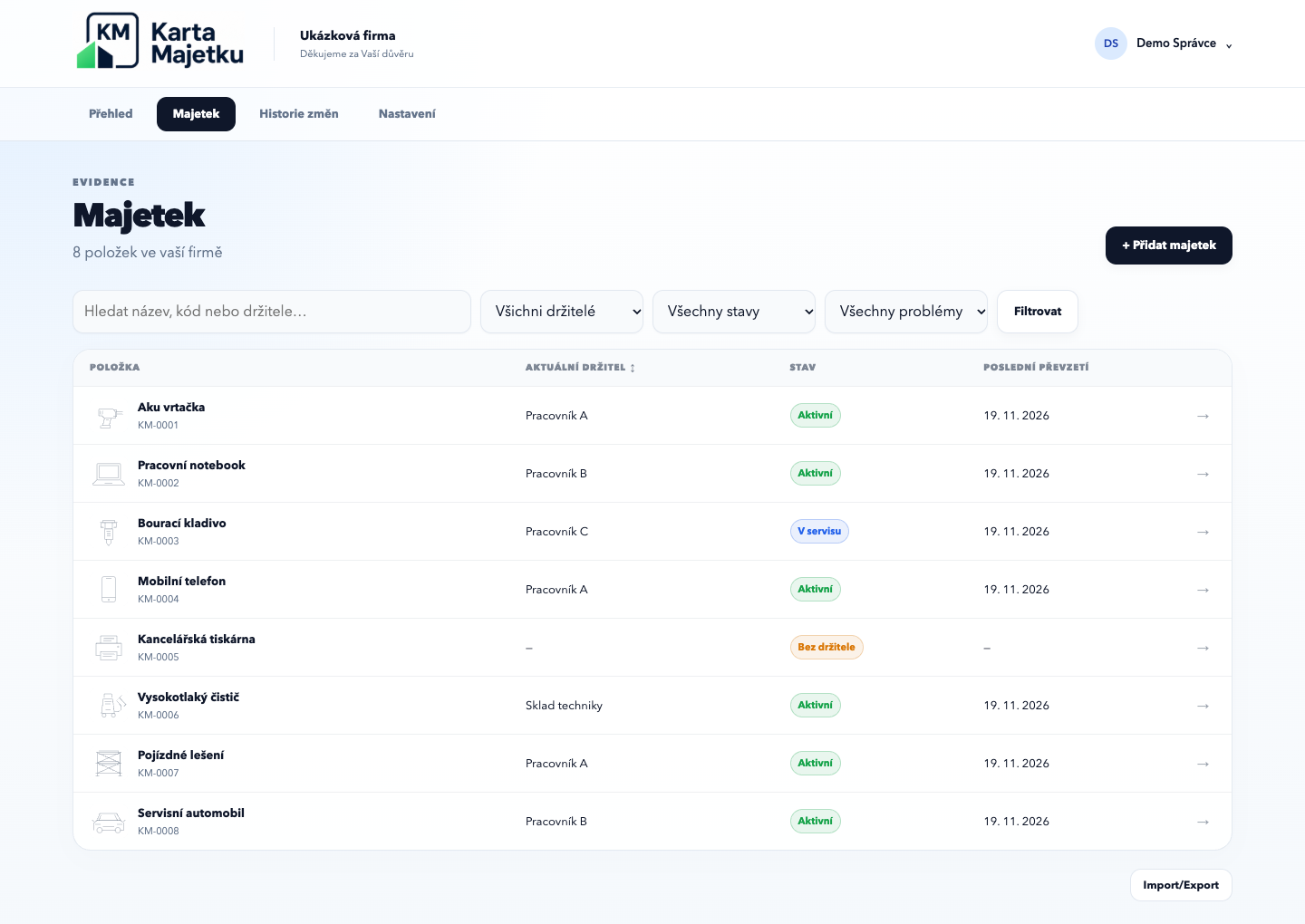
Know who holds an item through a recorded handover.
The label leads to the right asset
Download a label or QR code from the asset record. Recipients need a phone camera, a browser and access to their email.
Confirmation by the recipient
QR receipt requires an email verification code. An administrator can also send a confirmation request or change the holder manually; administrative changes are identified in the history.
Keep internal information private
The public QR page does not expose the internal description, holders, history or attachments. Administrators can regenerate a code if it is no longer under company control.
KARTA MAJETKU
Give every asset a clear place.
Create your company account and start with your first asset record.